57-second comparison walkthrough
Mirin vs. WordPress: Zero plugins to manage
Transcript
Select any timestamp to jump straight to that moment in the film.
- 0:00
WordPress is everywhere,
- 0:02
until a plugin update breaks your layout or a simple edit means hiring a
- 0:07
freelancer.
- 0:08
Mirin flips it.
- 0:10
Paste your address at mirin.com.
- 0:12
Mirin studies your business and crafts a custom homepage from your real site,
- 0:17
in just a few minutes, with zero plugins to manage.
- 0:21
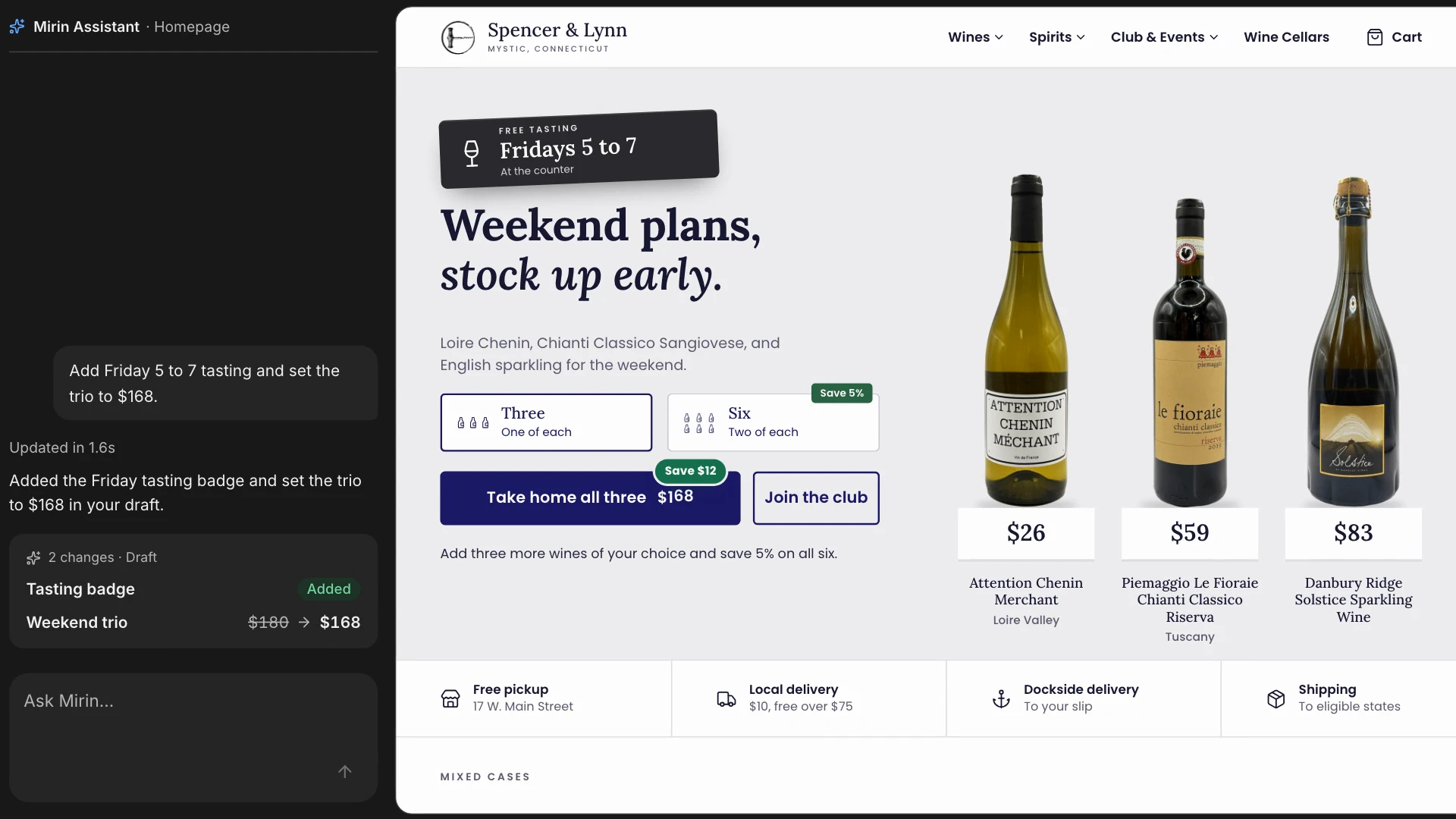
Between jobs, open your draft and type one sentence.
- 0:25
Add an EV charger banner at the top,
- 0:27
update weekend hours to 8 to 5,
- 0:29
and add a quote button.
- 0:31
Mirin handles it right there.
- 0:33
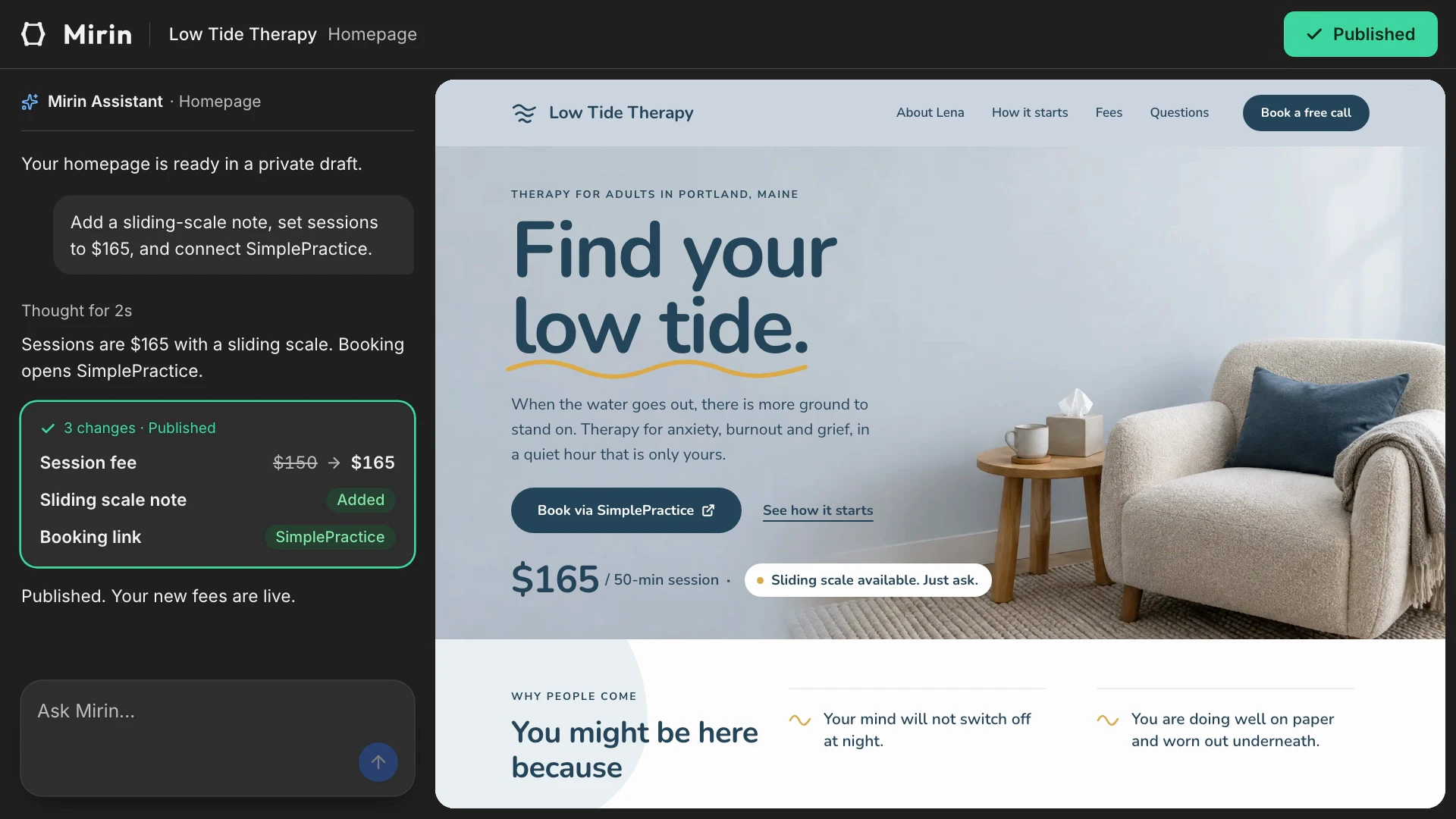
Your site updates in seconds.
- 0:36
Tweak any word yourself for free,
- 0:38
hit Publish, and you're live.
- 0:40
Keep your domain.
- 0:42
Same Google Business Profile links.
- 0:44
Same Google Workspace or Microsoft 365 email.
- 0:47
Month to month, zero setup fee.
- 0:51
Keep WordPress live.
- 0:52
See your new homepage free at mirin.com.