60-second comparison walkthrough
Mirin vs. SimplePractice: Keep the EHR, upgrade the website
Transcript
Select any timestamp to jump straight to that moment in the film.
- 0:00
SimplePractice is great for care,
- 0:02
but its built-in website stops at one scrolling profile page with no custom
- 0:07
layout or specialty pages.
- 0:09
Mirin flips it.
- 0:11
Paste your address at mirin.com.
- 0:14
Mirin studies your practice and crafts a custom homepage from your real site,
- 0:18
in just a few minutes, while SimplePractice stays live.
- 0:22
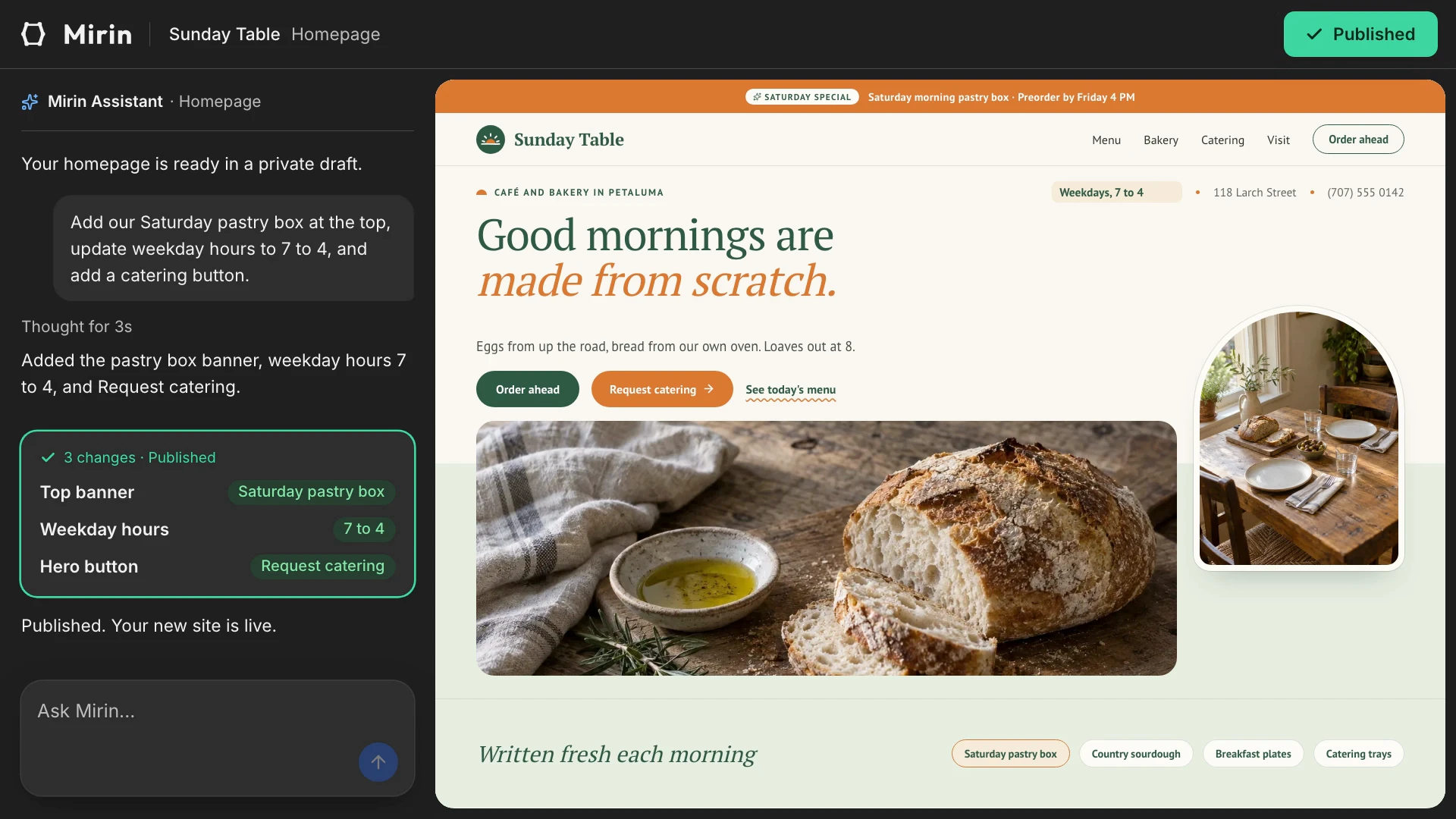
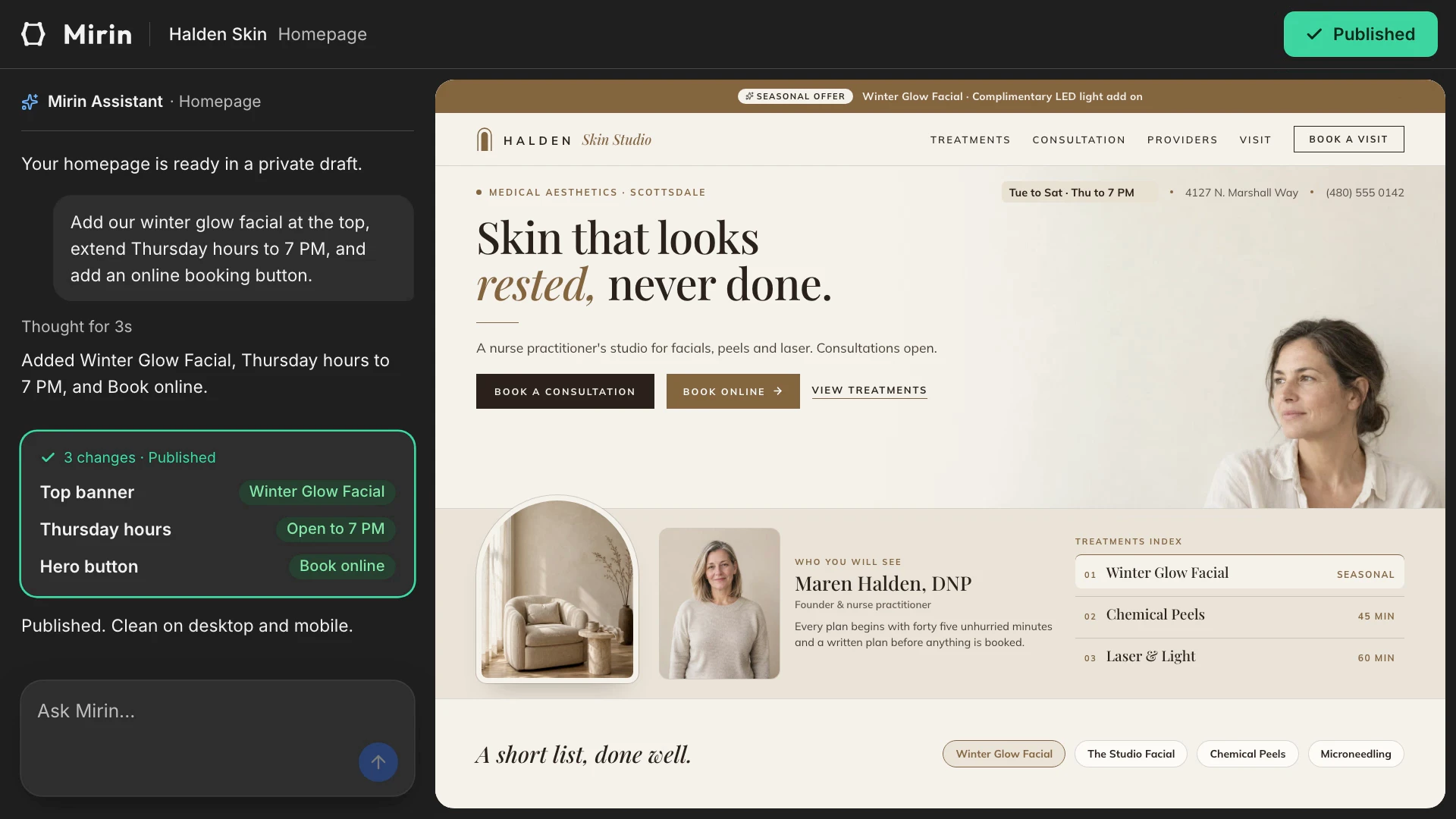
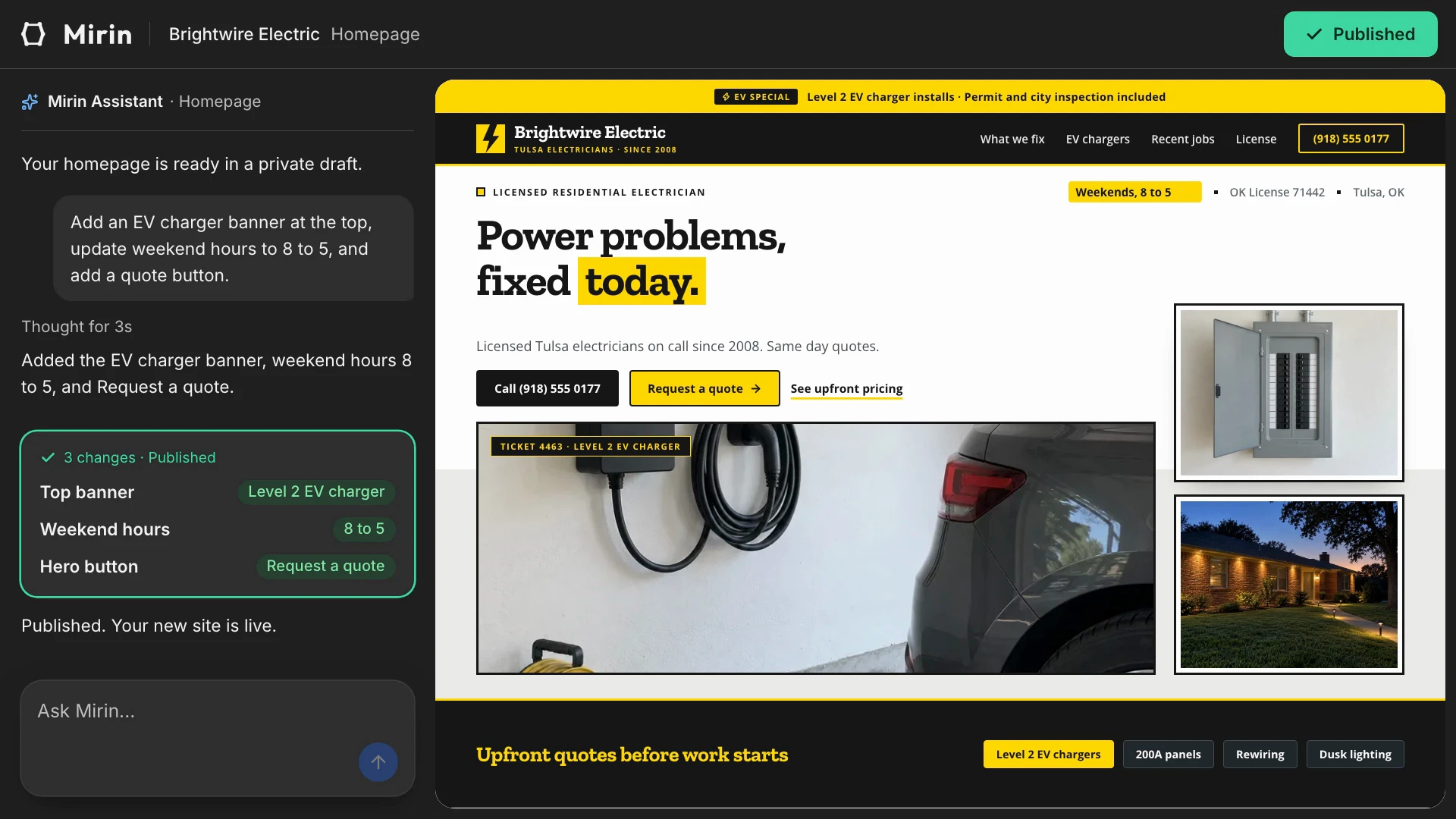
Between sessions, open your draft and type one sentence.
- 0:25
Highlight evening telehealth,
- 0:27
add couples and teen pages,
- 0:29
and connect SimplePractice booking.
- 0:31
Mirin handles it right there.
- 0:34
Your site updates in seconds.
- 0:36
Tweak any word yourself for free,
- 0:38
hit Publish, and you're live.
- 0:41
Keep SimplePractice for EHR and HIPAA intake.
- 0:45
Same Client Portal.
- 0:46
Same domain and Psychology Today links.
- 0:49
Month to month, zero setup fee.
- 0:52
Keep SimplePractice for care.
- 0:54
See your new website free at mirin.com/therapists.