58-second comparison walkthrough
Mirin vs. Wix: Move off Wix without starting over
Transcript
Select any timestamp to jump straight to that moment in the film.
- 0:00
Wix gives you a freeform canvas,
- 0:03
until nudging one box breaks mobile alignment,
- 0:05
and Wix won't let you export your site.
- 0:08
Mirin flips it.
- 0:10
No export needed.
- 0:11
Paste your live Wix address at mirin.com.
- 0:14
Mirin crafts a custom homepage from what's already online,
- 0:18
in just a few minutes, while Wix stays live.
- 0:21
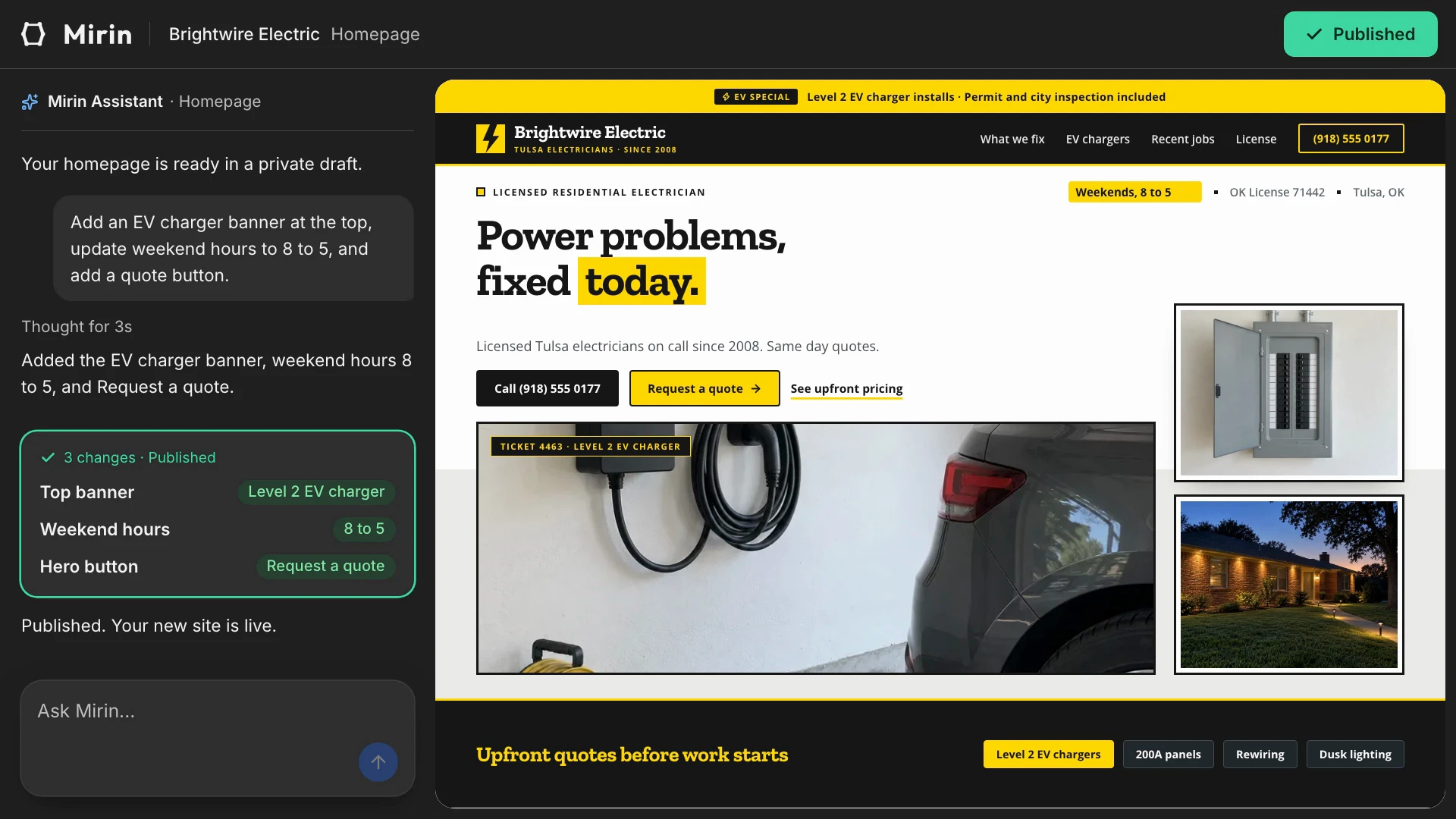
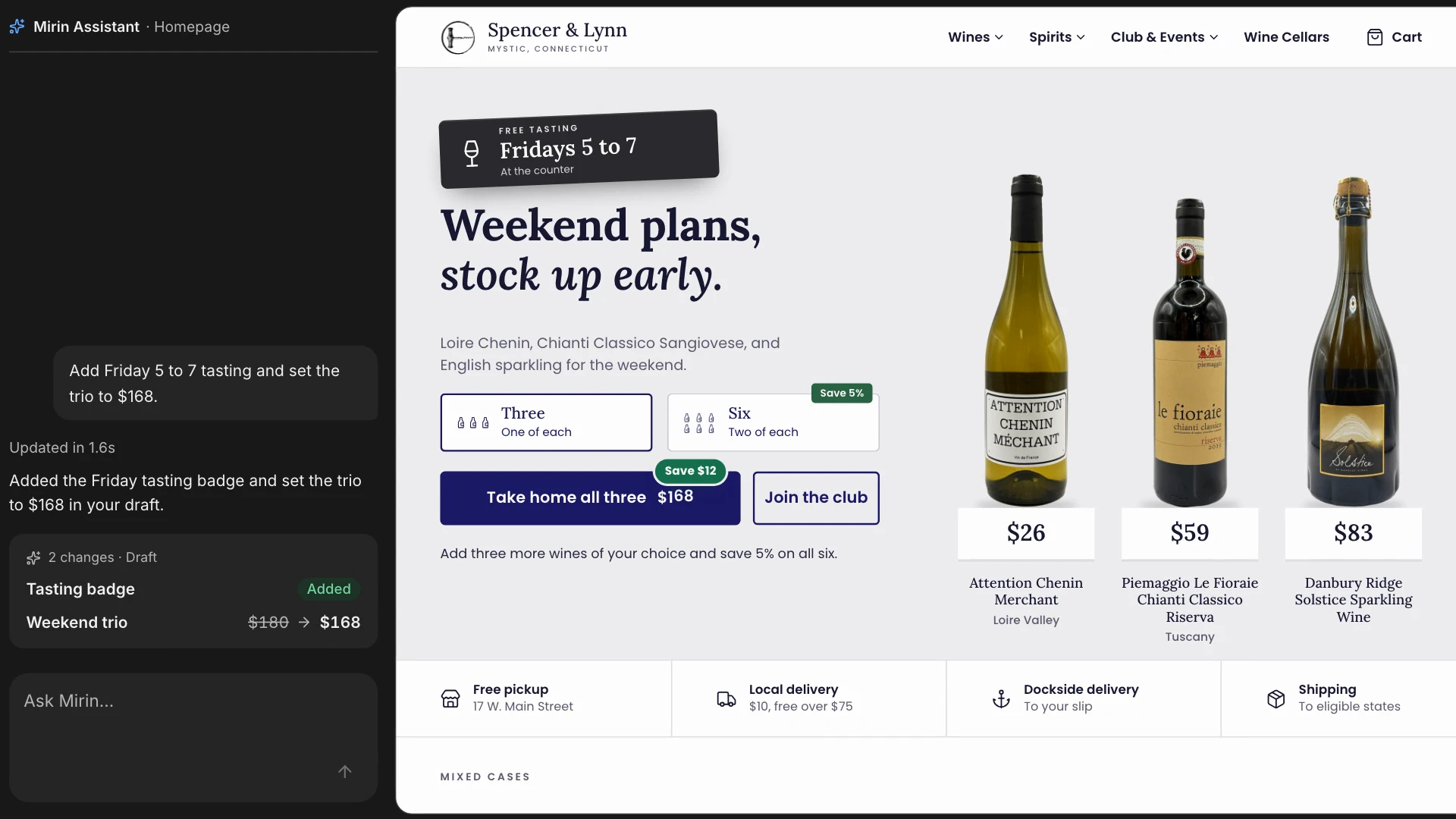
Between appointments, open your draft and type one sentence.
- 0:25
Add our winter glow facial at the top,
- 0:27
extend Thursday hours to 7 PM,
- 0:29
and add an online booking button.
- 0:31
Mirin updates desktop and mobile cleanly.
- 0:34
Your site updates in seconds.
- 0:36
Tweak any word yourself for free,
- 0:38
hit Publish, and you're live.
- 0:40
Keep your domain, even if Wix registered it.
- 0:44
Same Google Business Profile links.
- 0:46
Same Google Workspace email.
- 0:48
Month to month, zero setup fee.
- 0:51
Keep Wix live.
- 0:53
See your new homepage free at mirin.com.