If you run a small business and you are weighing a WordPress alternative, the honest answer is short. WordPress is powerful and flexible, and for the right owner it is a great engine. It gets expensive in a quieter currency than money, which is your attention, once the site becomes a thing you have to maintain.
So the real question is not whether WordPress is good. It plainly is. The question is whether running it is a job you want.
A small business website has a narrow job. A stranger, often on a phone, needs to decide whether you are the right choice and how to take the next step. Most of what a general platform can do is noise against that one moment.
Curious how your current site handles that moment? Run it through the free Mirin scorecard. Sixty seconds, no signup.
Where WordPress fits and where it strains
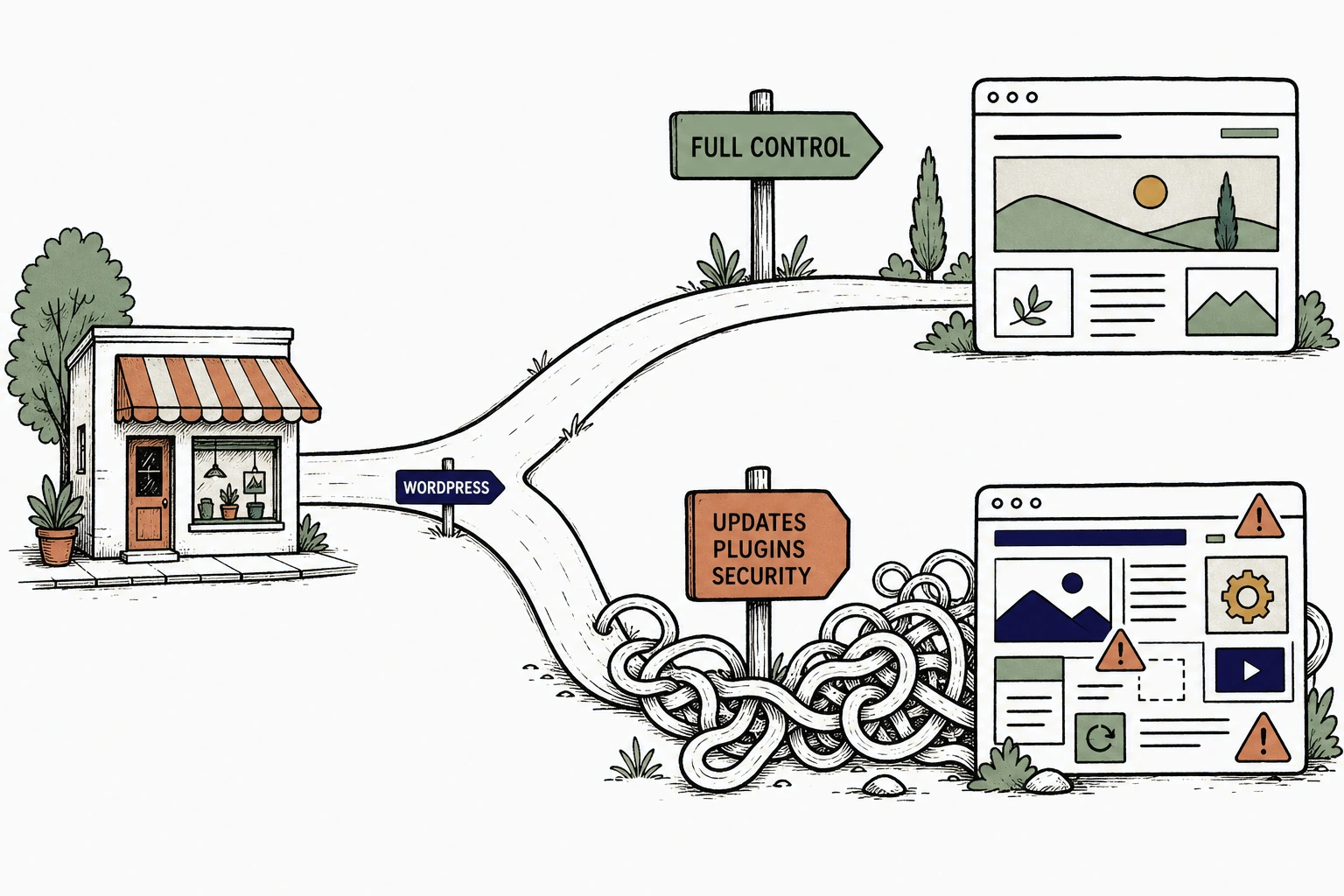
Where WordPress is genuinely powerful
WordPress is the most capable general website engine there is, and pretending otherwise would waste your time. It runs a large share of the web for good reason.
By one long-running survey, WordPress powers over 40 percent of all websites. That scale buys you a plugin for almost anything, a developer in every town, and templates for every trade. If you want total control over how your site works, few tools match it.
Being findable at all is not optional, and WordPress clears that bar easily. Seventy six percent of consumers check a business online before ever contacting it in person. A well kept WordPress site beats no site, every time.
So if you enjoy owning the machine, have a developer on call, or want to build something unusual, WordPress may be exactly right. Be honest about that before you switch anything.
Where an owner who wants it handled starts to strain it
The strain begins when the website becomes a system you are responsible for keeping alive.
Maintenance is the first pressure point. WordPress is a core, a theme, and a stack of plugins that all update on their own schedules. Skip the updates and things break. Run them blind and things also break. Either way, someone has to watch it, and on a small business that someone is usually you.
Security is the second, and it is not hypothetical. Patchstack's annual review of the WordPress ecosystem found that the vast majority of new vulnerabilities came from plugins and themes, not the core. The flexibility that makes WordPress powerful is the same surface that has to be patched.
Speed is the third. Plugin-heavy WordPress sites can get slow, and slow is expensive on mobile, where most searches happen. Google's research found that 53 percent of mobile visits are abandoned if a page takes longer than three seconds to load.
The maintenance that never quite ends
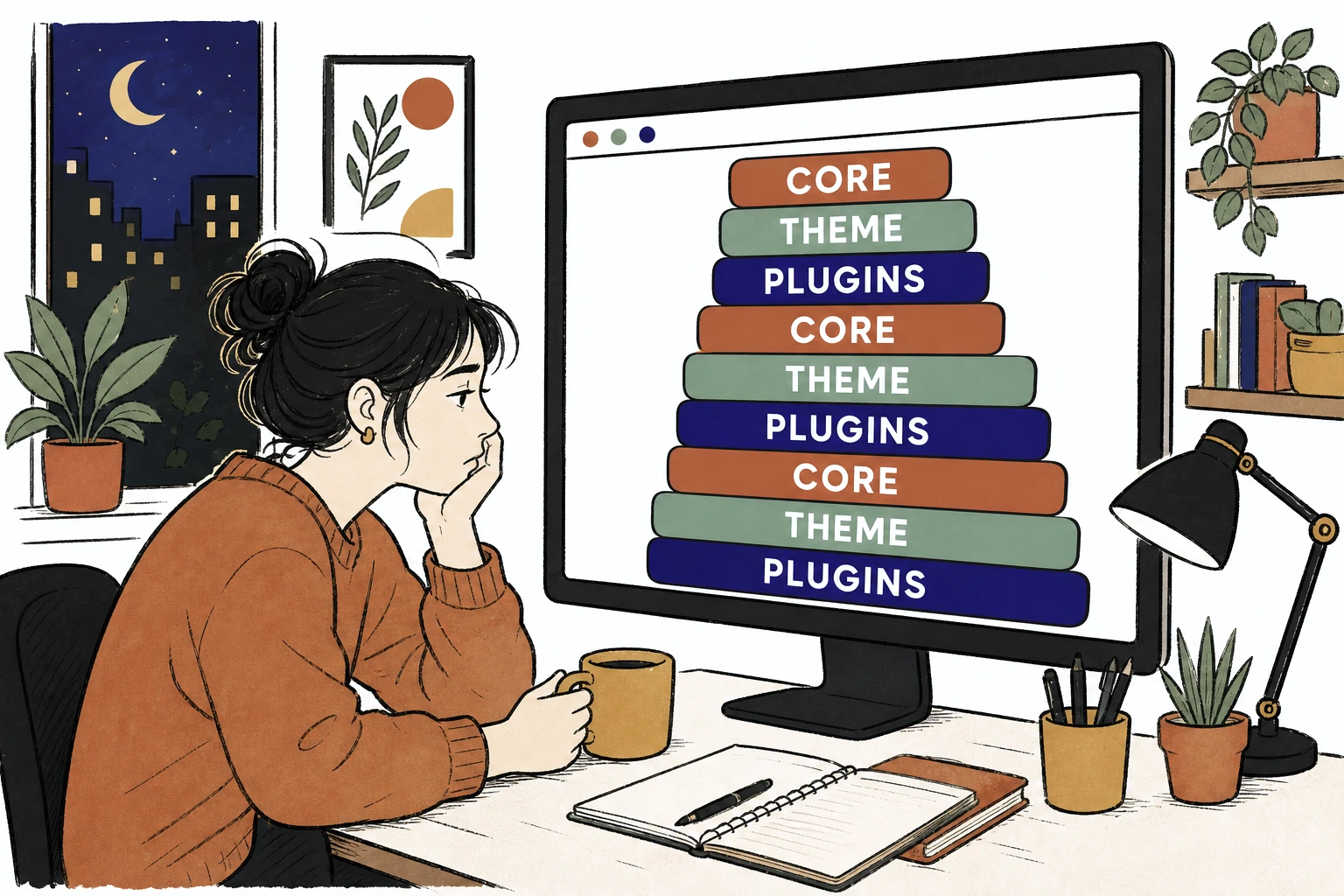
None of these are strikes against WordPress. They are the cost of a general platform aimed at everyone. An owner who just wants a working site pays that cost in evenings.
The honest fit table
Here is a plain look at the real alternatives, without pretending any one of them wins on every row.
| Option | Best when | The catch for an owner who wants it handled |
|---|---|---|
| WordPress | You want total control and have a developer or the patience to be one. | Updates, plugins, and security become an ongoing job you own. |
| Wix | You want a cheap, self-serve, simple site and enjoy editing it yourself. | You become the webmaster. Booking, speed, and updates are all on you. |
| Squarespace | Design polish matters and you want templates that look good by default. | Still self-serve. Cleaner than WordPress, same second-job problem. |
| A local agency | You want it fully off your plate and have the budget for retainer work. | Every change is a ticket, a wait, and often a bill. |
| Mirin | You want a site that stays current without you touching an editor or a plugin. | You give up the editor on purpose. You keep the decisions, we operate the site. |
Notice there is no villain in that table. WordPress is powerful if maintenance does not scare you. Squarespace is prettier out of the box. An agency is hands-off if you can afford the retainer. They are different trades, not better or worse in a vacuum.
The pattern is the split down the middle. Everything above Mirin either hands you the machine or hands you a bill for every change. The question is which of those you want to live with.
See your homepage rebuilt, before you leave WordPress.
Send Mirin your current site. We will shape a preview around the one action a new customer needs, so you can compare it to your WordPress site side by side.
Request a website preview- Send your site
- We shape a preview
- You review it
- You decide
The real problem is the update, not the platform
Most owners do not leave WordPress because a feature is missing. They leave because the site went stale.
The problem is Tuesday.
You change your hours, but the footer disagrees. You drop a service, yet it still headlines the homepage. A plugin update quietly breaks the contact form and nobody notices for a month. Nobody meant for any of this. The dashboard just sat there waiting for time you did not have.
The change loop a small business can actually keep
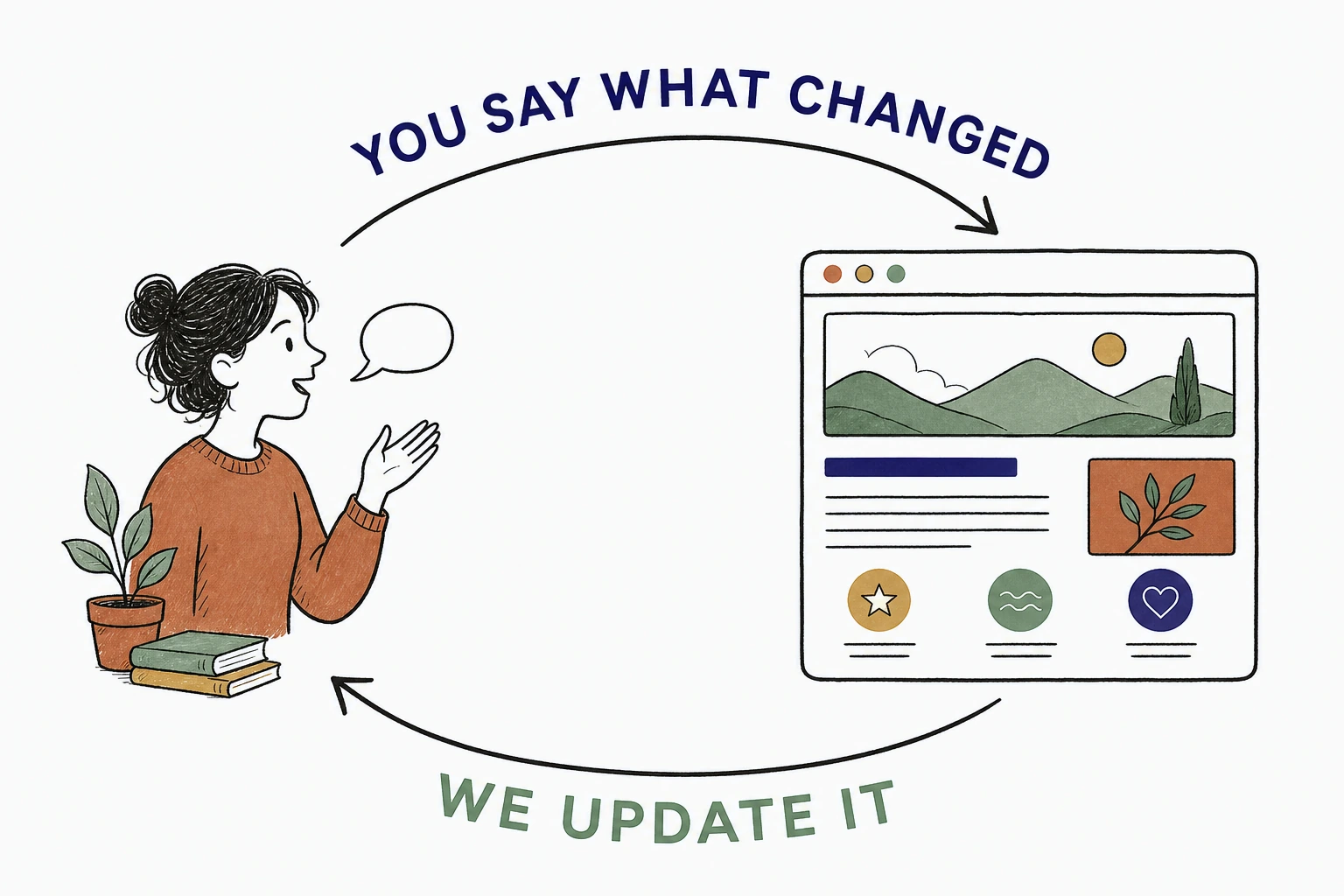
This matters because a stranger reads a stale site as a signal. If the hours are wrong, maybe the work is careless too. That is unfair, but it is how a busy person reads a homepage.
Across the small business homepages we rebuilt at Mirin this year, the most common single fix was not design. It was moving the primary action, the call, the book, the quote, up out of a buried page and putting it where the first visitor could not miss it. The copy was usually fine. The path to acting on it was hidden.
That is the difference between a platform and an operated site. A platform gives you a dashboard and waits. An operated site keeps the promise current for you.
Put the homepage in customer order
A prospective customer reads a homepage in a fixed order. Are you the kind of business I need. Can I trust you. How do I take the next step.
Most homepages get built in owner order instead. A long about section first, history second, and the way to actually reach you somewhere near the bottom.
A homepage in customer order
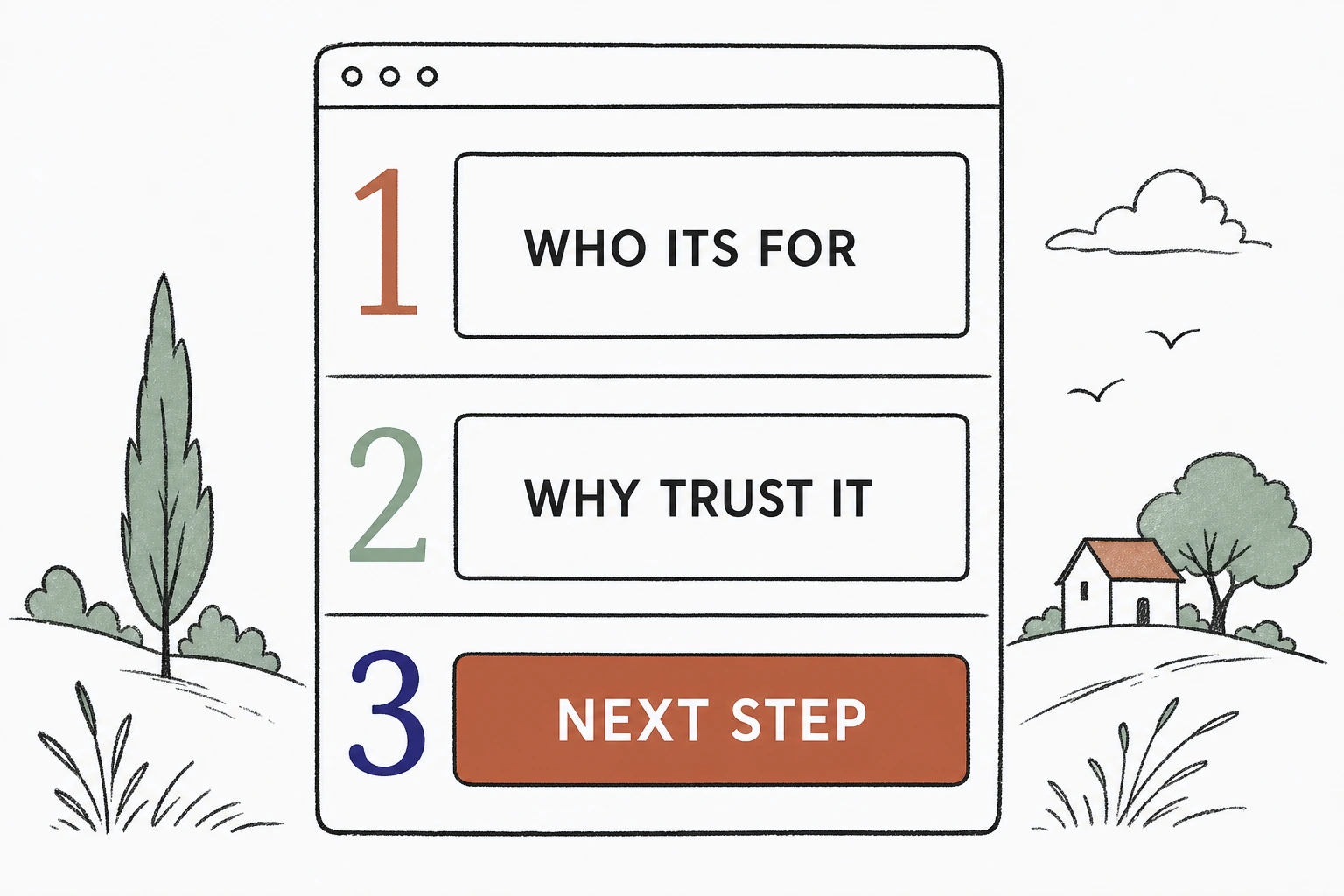
The move off WordPress is rarely about better graphics. It is about arranging the page around the walk a stranger takes, and refusing to bury the one action that matters. Usability research is blunt about how little patience people have. As Jakob Nielsen of the Nielsen Norman Group put it, users often leave a web page within ten to twenty seconds.
Whatever tool you land on, this is the test. Can a stranger, on a phone, find the next step in seconds. If not, no plugin will save it.
Audit your WordPress site in five minutes
Before you switch anything, judge your current site the way a customer does.
Open it on your phone. Pretend you are busy and short on patience. Then walk the trail below and mark where you hesitate.
The five minute customer audit
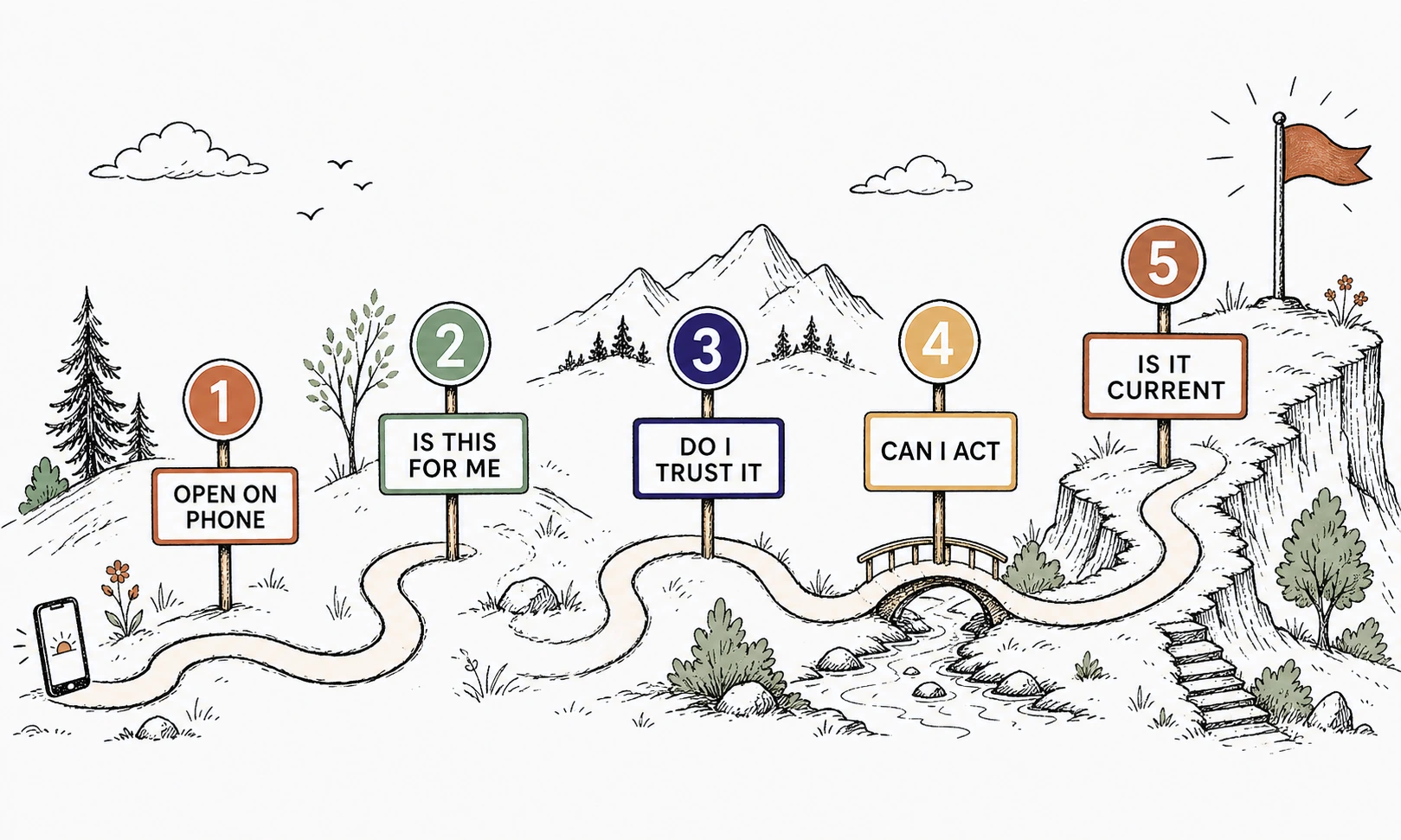
If the audit is smooth, keep WordPress and save yourself the migration. If it snags at the next step, at speed, or at a stale promise, you now know exactly what an alternative has to fix. Switch for that reason, not because a review site ranked one platform over another.
If you want to see the handled model in full, start with the Mirin platform page. When budget becomes the question, Mirin pricing is public. And the Mirin Journal keeps field lessons like this one together.
Where Mirin fits among the alternatives
Mirin is the alternative for owners who want the site handled, not the ones who want a new machine to run.
The split is simple. You keep every business decision. We operate the website. You tell us what changed, in plain language, and we shape a preview you approve. No dashboard becomes your second job, and no plugin becomes your problem.
If you love owning your own stack, stay on WordPress and enjoy the control. If your site keeps falling behind the business, and the next step keeps hiding, that is the exact gap Mirin was built to close.
Compare your WordPress site to a handled homepage.
Send your current site and the one thing you wish customers did first. We will shape a preview around that next step, so you can judge the switch for yourself.
Get my preview- Your stale-site problem
- A preview shaped around it
- Review, ask for changes
- Live in days
The repeatable rule for owners: pick the tool that makes the next step obvious for a stranger and stays true without your weekly attention. If WordPress already does that for you, keep it. If it does not, now you know what to switch for.