A hair salon website books clients when it lets someone reserve a chair in the moment they decide, from their phone, without calling. Put an obvious Book Now button on every screen. Make it work on a phone. Show real stylists, real work, and real prices. The current site takes the booking while the client still holds the impulse.
That is the whole answer. Design for the tap, not the phone call. Everything else on the page is in service of that one moment.
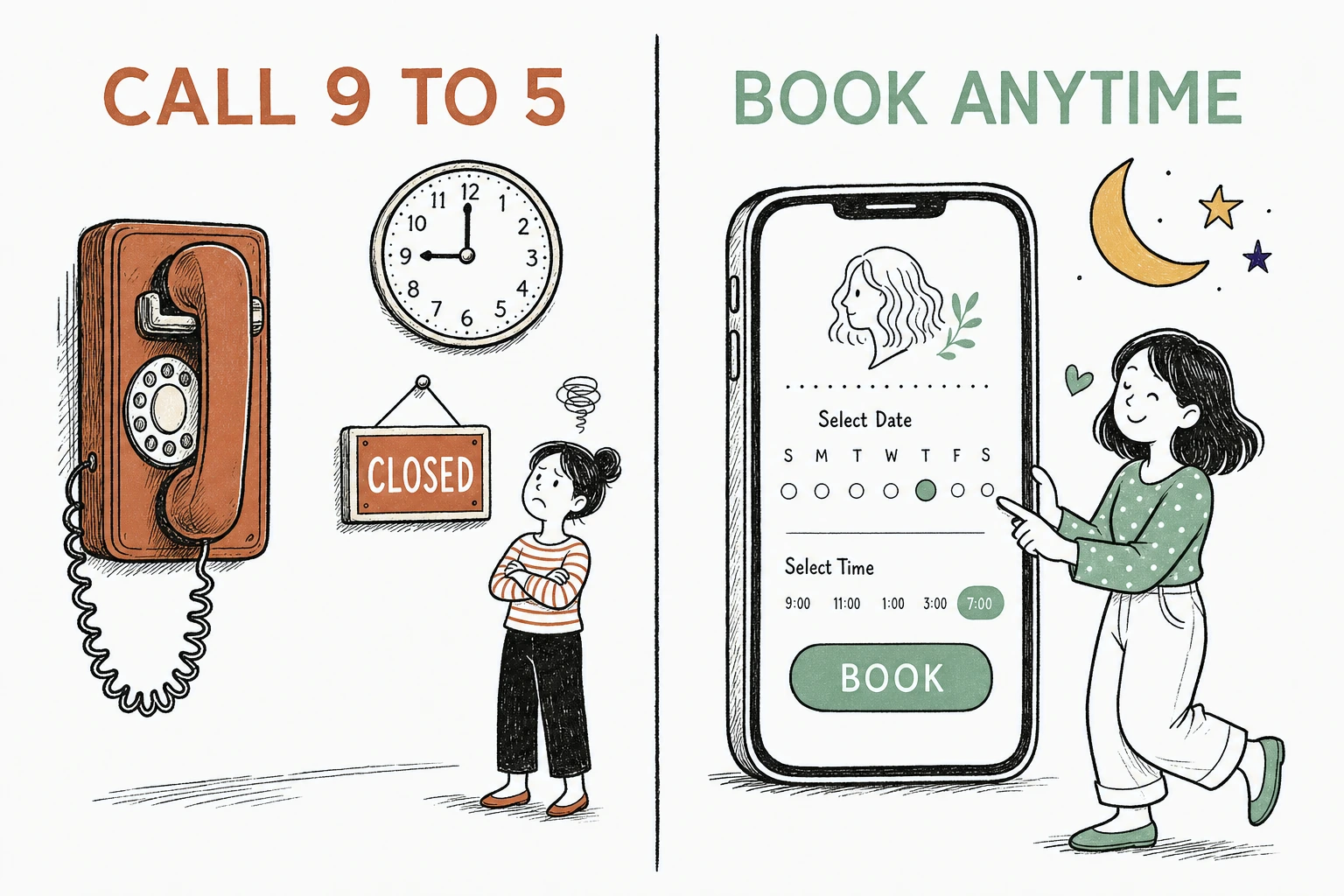
Here is the problem with most salon sites. They were built to look like a brochure, so they wait for the client to call during business hours. But the client decided to book at 10pm on a Sunday, on the couch, on her phone. If the site cannot take that booking, someone else's will.
Not sure what happens when a client tries to book on your current site. Run it through the free Mirin scorecard. Sixty seconds, no signup.
The brochure site versus the current one
What making booking feel current actually means
It means the client can go from wanting an appointment to having one in under a minute, on the device already in her hand.
Current is not a color palette or a trendy font. It is a feeling of friction removed. The client sees a service, sees a price, sees an open time, and taps to claim it. No phone tag. No contact form that promises someone will get back to her. No hours to wait through.
The demand is not subtle. In Zenoti's 2025 salon and spa consumer survey, 81 percent of regular clients said they need to manage their appointments outside of typical business hours at least some of the time. Your front desk is closed for most of the hours your clients are deciding.
Why the phone call quietly loses you bookings
Every booking that requires a phone call is a booking you can only take when someone is free to answer.
Think about when people actually decide. After work. After the kids are down. Late at night when they catch their reflection and think it is time. In that moment a phone number is a wall, not a door. The impulse cools while they wait for morning, and by morning the impulse is gone.
Where the after-hours booking goes to die
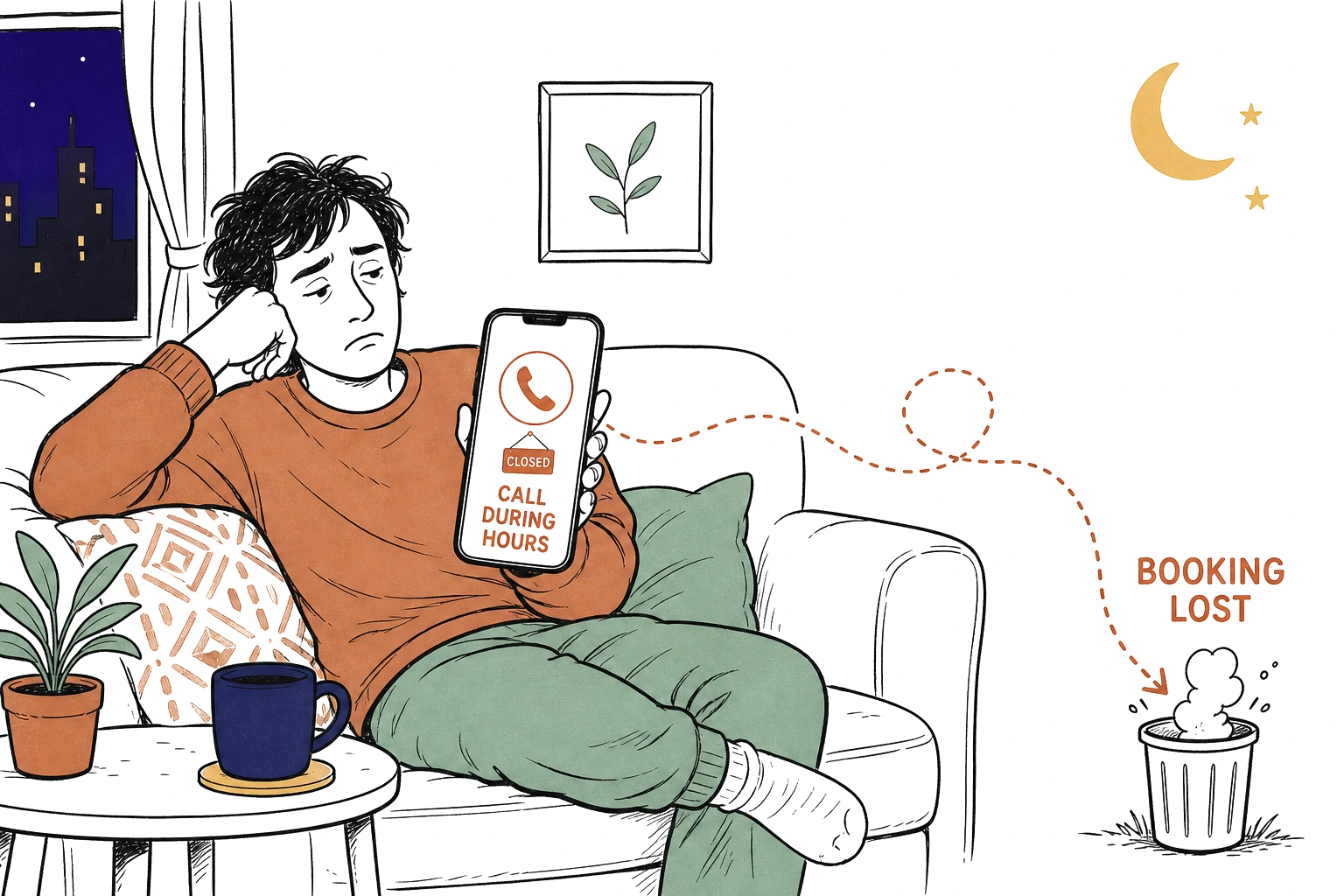
The same Zenoti survey found that 69 percent of salon and spa customers have skipped booking an appointment altogether simply because it was too difficult. That is not a client who disliked your work. That is a client you never got to meet, lost at the booking step.
And most of them are on a phone when it happens. According to Think with Google, 76 percent of people who search for something nearby on their smartphone visit a related business within a day. They are ready to act now. A site that cannot take a mobile booking hands that ready client to whoever can.
Why the way it looks decides whether they trust the booking
A client will not tap Book Now on a site that looks abandoned, because the design tells her the salon might be too.
Before anyone reads a word, they judge. In the Stanford Web Credibility Project, based on three years of research with more than 4,500 people, 46.1 percent of people judged a site's credibility in part on its visual design, the layout, typography, and color. "People do judge a website by how it looks," said B.J. Fogg, the Stanford psychologist who directed the research.
For a salon that verdict is sharper than most, because you sell appearance. A dated, cramped, hard-to-read homepage is not a neutral first impression. It is a preview of the haircut. The look of the site has to earn the tap before the booking flow ever gets a chance.
See exactly where a client would give up trying to book you.
Send Mirin your salon site. We grade the things that decide a booking, the Book Now button, mobile ease, real photos, clear pricing, and tell you what to fix first.
Run the free scorecard- Paste your site URL
- We grade it in seconds
- You see the gaps
- You decide
What a salon homepage that books clients actually does
It does four plain things a client can use on the first tap, not four things a designer admires.
Put Book Now where the thumb already is, fixed and obvious on every screen, not buried in a menu. Make the whole thing work on a phone, because that is the only device that matters for a late-night booking. Show real photos of your stylists and your real work, not stock models with impossible hair. And name your prices, because a hidden price reads as the highest price and sends the careful client to the salon that told her.
What a current salon homepage is built from
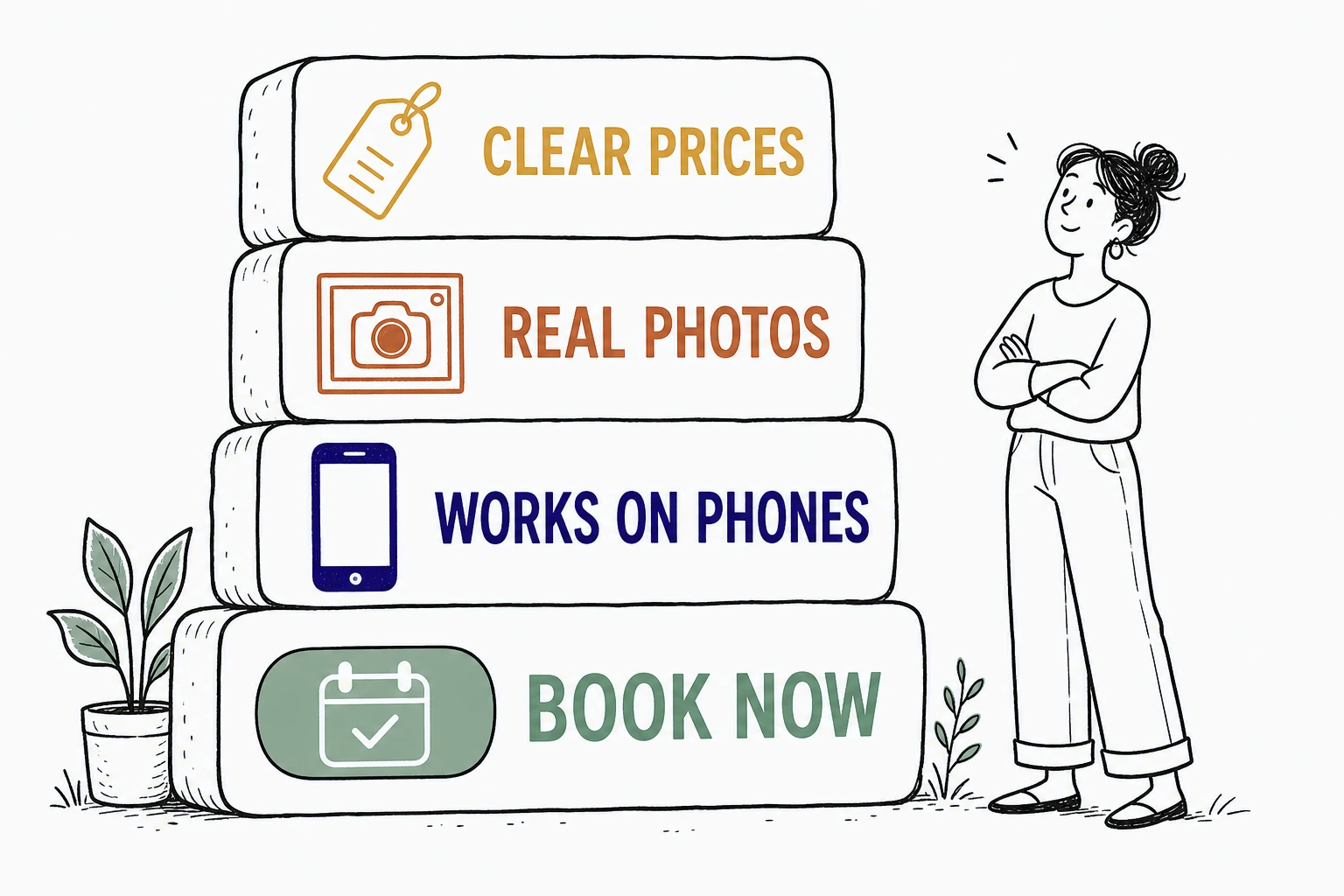
Across the salon and beauty homepages we have built at Mirin, the single change that moved bookings most was not a prettier gallery. It was making Book Now a persistent button that follows the client down the whole page, so the impulse never has to hunt for the door. The clients who used to bounce looking for a phone number started tapping instead. The booking moved from a phone call the next day to a tap in the moment.
The parts to cut and the parts to keep
Cut everything that slows the tap. Keep everything that answers the one question the client is asking, can I book this now.
Cut the splash animation, the autoplay video that eats a mobile screen, the contact form that stands in for booking, the hours-only phone number. Cut the stock photography that could belong to any salon in any city. Keep the Book Now button, the phone-first layout, the real photos of your chairs and your team, the service menu with prices, and the address and map. The current site is not the one with the most features. It is the one that removed the most friction between wanting a chair and claiming it.
How to make your salon site feel current without a rebuild
Most of these fixes are a decision, not a project, and you should not have to make them between clients.
For $199 a month, Mirin builds the site, hosts it, and makes the changes for you, with an obvious booking path, a phone-first layout, real photos, and clear pricing. You tell Mirin in plain language what changed, a new stylist, a new service, a new price, a new booking link, and Mirin makes the edit, shows you a preview, and publishes it. No request queue, no invoice per change. See the full breakdown on Mirin pricing, or how the handled model works on the Mirin platform page.
See your salon site rebuilt so a client can book you in one tap.
Send Mirin your current site. We will shape a preview around the booking moment, the button, the phone fit, real photos, and honest pricing, so you can see the current version before you pay.
Get my preview- Send your current site
- We shape a booking-first preview
- You review the booking flow
- You decide, live in days
The repeatable rule: design for the tap. A salon website that feels current is not the flashiest one. It is the one that takes the booking in the moment the client decides, and that is the moment that fills the chair.